What are the system requirements for Dictalogic?
Overview
This article lists the hardware, software, and network requirements for using the Dictalogic platform.
Applies to
All Users, IT Administrators
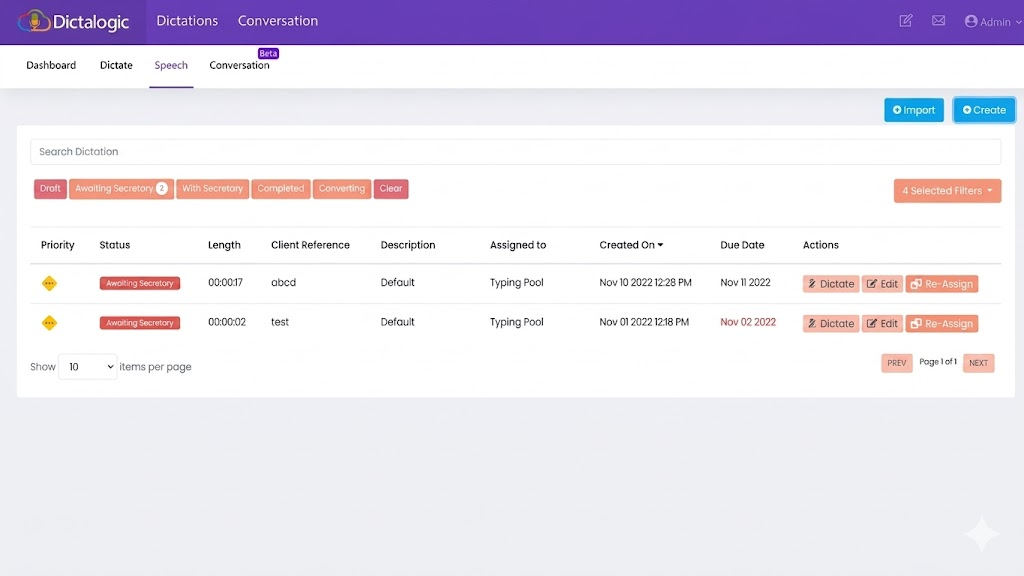
Web Portal
Dictalogic’s web portal requires no installation and can be accessed via any modern web browser. Supported browsers include Google Chrome (recommended), Microsoft Edge, Mozilla Firefox, and Safari. Ensure your browser is kept up to date for the best performance and security.
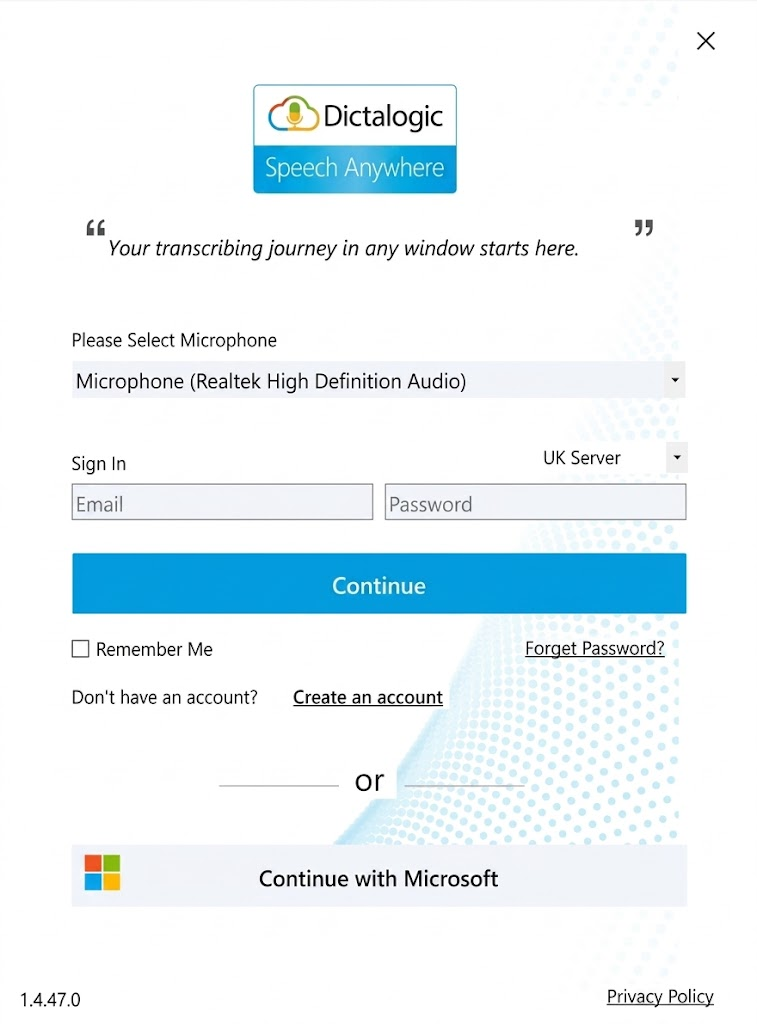
Desktop application (Speech Anywhere Widget)
The Speech Anywhere Widget is a Windows desktop application. A supported version of Windows is required. For the current list of supported Windows versions, contact Dictalogic support or refer to the download page within your account.
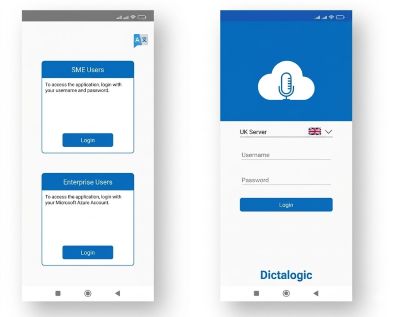
Mobile app
The Dictalogic mobile app is available for iOS and Android. Refer to the App Store or Google Play listing for the minimum supported iOS and Android versions.
Hardware requirements
A microphone is required for dictation. A dedicated USB headset microphone or professional speech microphone is recommended for best accuracy. A foot pedal or hand control is optional but supported. An internet connected computer or device is required for all cloud based features. Minimum RAM and processor requirements for the desktop application are available from Dictalogic support.
Network requirements
A stable internet connection is required for all cloud based features including speech to text processing, dictation upload, and workflow management. A wired connection or strong Wi-Fi is recommended. For organisations with network firewalls or proxy configurations, contact Dictalogic support for details of the domains and ports that need to be permitted.