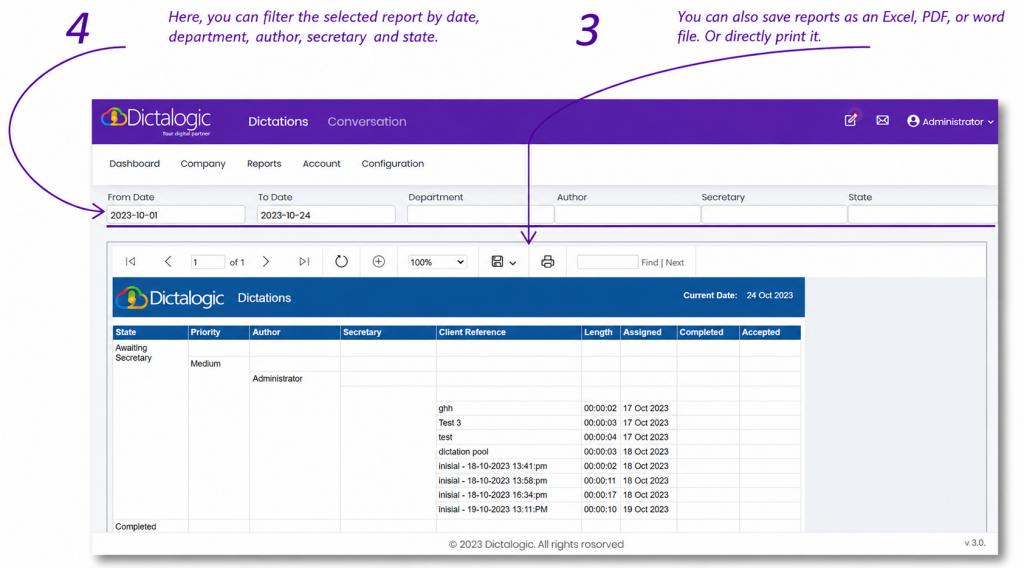
How do I generate usage reports?
Overview
This article explains how to generate usage reports within Dictalogic.
Applies to
Administrators, Super Authors, Super Secretaries
Accessing reports
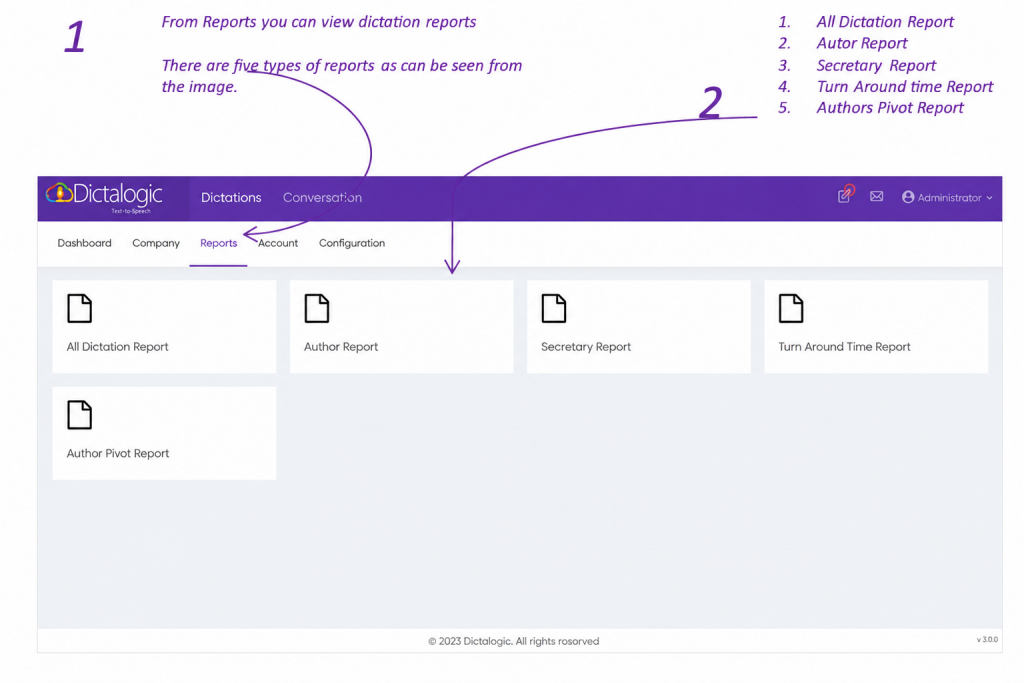
Log in to the Dictalogic portal with appropriate credentials. Navigate to the Reports of your account.
Available report types
Dictalogic offer comprehensive report with 5 reports available by default as follow.
- All dictation reports
- Authors Report
- Transcribers Report
- Turnaround time
- Pivot Table of Author/Transcriber
Exporting reports