Can I dictate in multiple languages in the same session?
Overview
This article explains how multilingual dictation works in Speech Anywhere.
Applies to
All Users
Switching languages
Speech Anywhere uses one language model at a time. You can switch your language setting within the widget between sessions, but the engine is not designed to automatically detect and switch between two languages mid-sentence or mid-dictation in the same session.
How to switch language
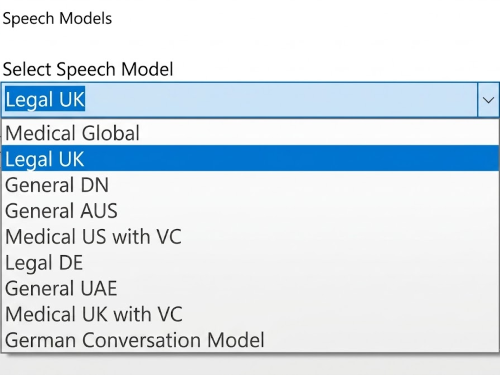
To dictate in a different language, open the widget settings, change the language selection to your desired language, and then begin a new dictation. This ensures the correct language model is active.
Bilingual or multilingual workflows
If your work requires regular switching between languages, it is recommended to change the language setting in the widget settings panel as needed. Contact Dictalogic support to discuss whether any specific multilingual configuration options are available for your use case.