How to retrieve audio from a backup on an iPhone?
Knowledge Base ID : KB00051
Overview
Dictalogic IOS and Android apps have a “Backup” section where the last 5 recorded audios are automatically preserved in rotation at all times. it means that a user can retrieve an audio file from a backup if required.
Applies to
Authors, super author, transcriber, admin
What to do
1 – Click on the “Backups” from the side menu.
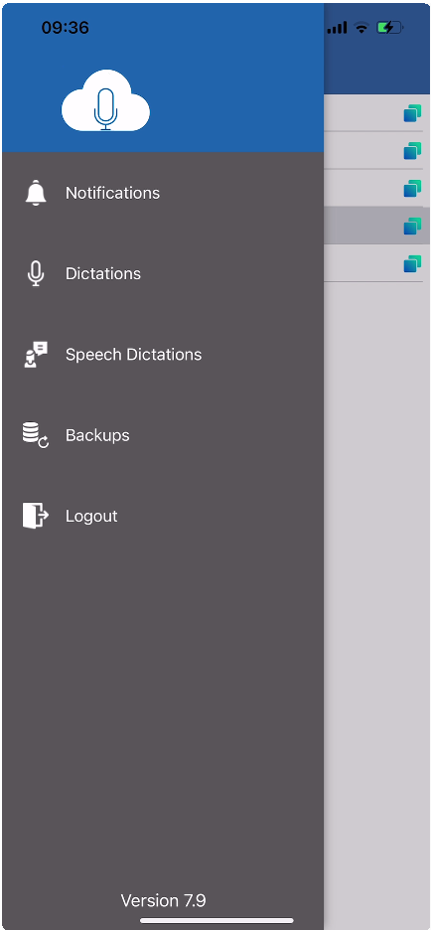
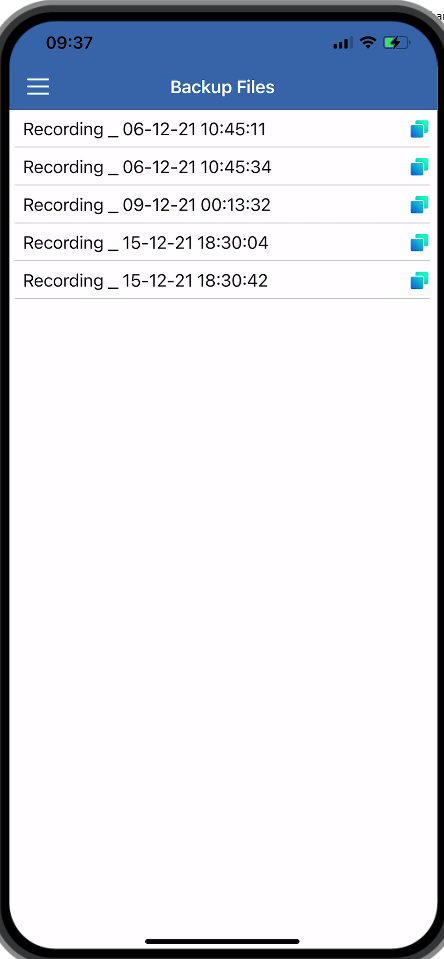
If it is found in the “Backup” then it can be retrieved with the user long pressing on it.
2- Long press on the audio file with the date and time stamp that might be the dictation in question.
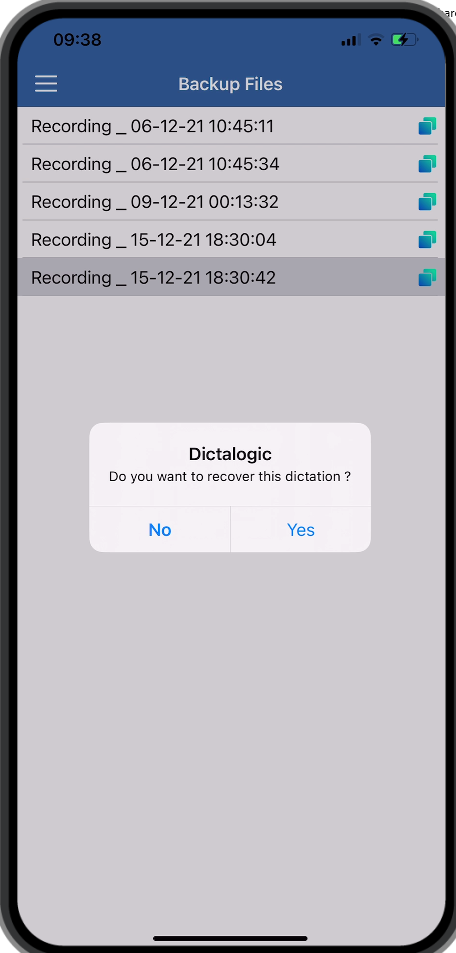
- Retrieved dictation will be retrieved on the recorder page as shown in the image below.
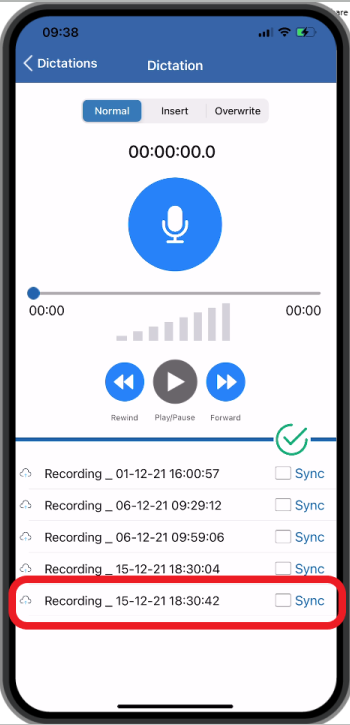
- Click in “Sync” and “Save” to send dictation to the transcriber.